

DIGIDRAW Turing Pro 19 18.4" 4K 觸控繪圖筆螢幕
Limited-time gift: K30 remote control
$859.99 USD
跳到商品資訊


DIGIDRAW Turing Pro 19 18.4" 4K 觸控繪圖筆螢幕
- 4K 顯示螢幕,具觸控功能
- 14.7mm 超輕薄尺寸
- Magic Pen 5.0
- TD 色彩驗證
$859.99 USD
· 終身技術支援 ·
· PayPal 安全支付 ·
· 2年保固+免運費 ·
· 30天退貨/更換 ·
產品詳情
Turing Pro 19 專為追求精準、效率與舒適度的專業數位藝術家、插畫家和設計師打造。從草圖繪製、繪圖到照片編輯與動畫製作,這款繪圖板提供無與倫比的效能與出色的色彩保真度。
-
18.4-inch 4K Large Display for Digital Painting and Illustration
體驗超高清視覺效果,無需頻繁縮放,非常適合細節豐富的作品、照片編輯與數位設計專案。 -
10-Point Smooth Touch Control for Professional Graphic Design
自然導覽、縮放與旋轉畫布,無需使用鍵盤快捷鍵,非常適合繪圖、動畫與創意工作流程。 -
ΔE < 1.3 Factory-Calibrated Colors for Accurate Printing and Video Work
為印刷、電影後製與數位內容創作帶來逼真色彩,憑藉專業級色彩準確度減少修訂次數、節省時間。 -
K30 Wireless Shortcut Remote for Faster Workflow
單手即可控制11個常用快捷鍵,在編輯照片或創作插畫時提升效率。 -
USB-C Direct Connection for a Clean and Organized Workspace
透過單一條線傳輸電源、數據與影像訊號,整理你的桌面,享受專業無縫的設定。
升級你的數位藝術設備,即刻體驗 DIGIDRAW Turing Pro 19 的精準度、速度與色彩準確度。
運送與退貨
我們致力於及時處理並出貨所有訂單,竭誠確保您的商品儘快發送至您手中。
我們致力為所有顧客提供良好的購物體驗。若您因任何原因想要退還商品,歡迎聯絡我們的團隊尋求協助,我們將謹慎考量並評估每一項退貨請求。
See how they use it
# gluca.art


# axxel.3d


# pencyleando


# paoocede


# noah.pabllooll


# paoocede


#kaocoffe


18.4英寸 4K IPS螢幕
18.4" 4K IPS顯示器 (3840 x 2160, 16:9)
提供出色的清晰度與細緻細節。即使在高度放大時,插畫仍舊銳利、精準,忠實呈現您的原始構想


4K 精準,纖薄設計

Turing 色彩大師
採用我們獨立研發的 T2 色度計及 TD Color 軟件,運用業界領先的跨螢幕色彩一致性技術,可與任何參考顯示器同步,為您的創作意圖提供可靠、逼真的色彩。

真實還原的色彩表現
覆蓋96%的Adobe RGB色域,呈現平滑的漸變、豐富的層次深度,以及高度精準的色彩還原。


重現真實
Turing 19 pro 的色彩表現非常出色,它能呈現多達10.7億種鮮明色彩,完全符合創意專業人士的高標準需求。

切換三種色彩空間
sRGB、Adobe RGB 與 Display P3 色彩空間
確保不同裝置間的色彩一致性
適用於各類創意內容的工作流程
色域覆蓋率(典型值)

Delta E< 1.3*
設計符合嚴格的專業標準。精準的色彩匹配可減少裝置差異,確保您的創作能完美呈現預期樣貌。

紙質般的3.0技術
打造最真實且自然的繪畫體驗

消除視差與眩光
全貼合顯示器,搭配AG奈米蝕刻玻璃與AF塗層,可在任何光線條件下維持色彩鮮明、筆跡精準,讓視覺聚焦輕鬆無干擾。


用你的手控制它
搭配靈活的10點多點觸控,讓你能用任意手指滑動、縮放及旋轉畫布。


更多產品詳情


16K 壓力等級
採用全新演算法,提供16,384級靈敏度,帶來出色操控體驗。能即時捕捉細微變化,延遲近乎為零,讓你全神貫注投入創作流程。
M5 智慧晶片
採用D-M5獨立數位晶片與Magic Pen 5.0技術,實現高精度筆尖定位,以及極其流暢、細膩的筆觸,能夠高度還原傳統畫筆的效果。


高精度
精準檢測筆尖位置,具備角度偏移低至0.3mm的中心區域,確保你的筆觸忠於你的靈感。


筆盒組合
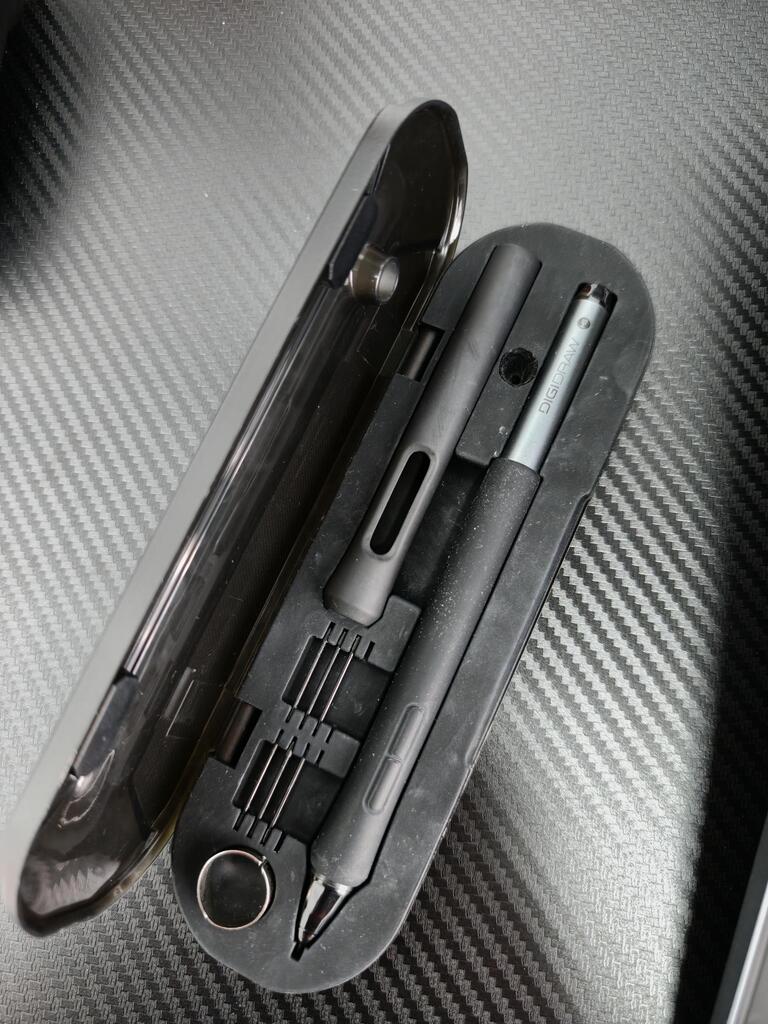
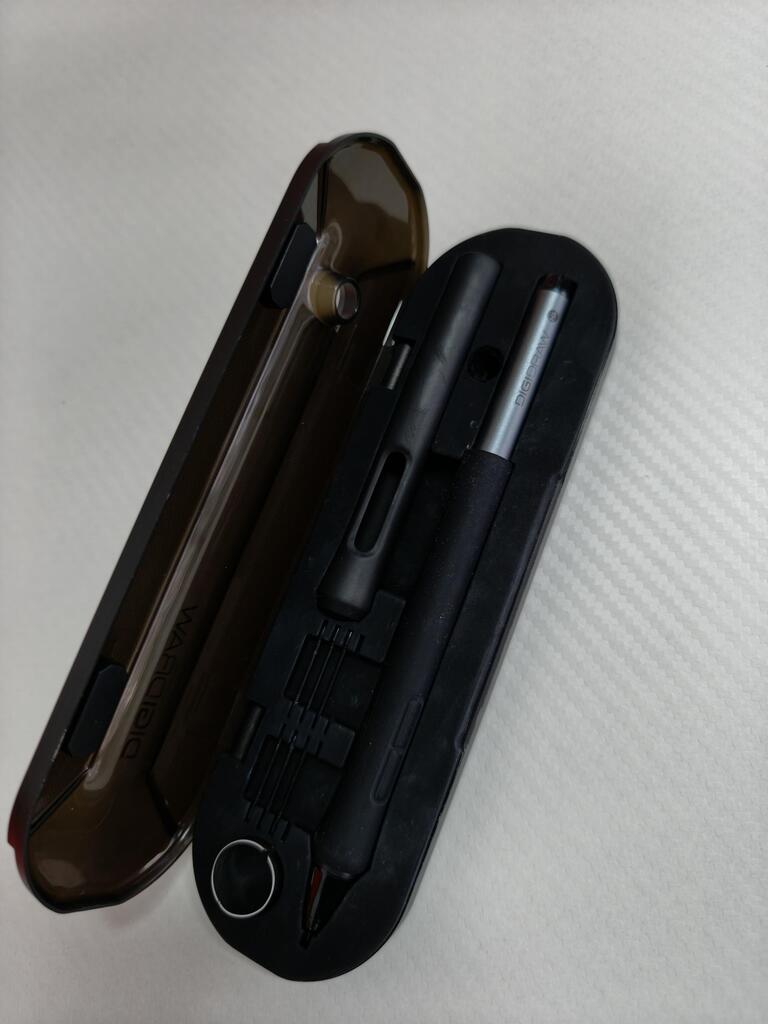
包含PB01筆盒與完整配件:標準筆頭 x4、氈製筆頭 x4,以及大、中尺寸握套。可混搭搭配,契合您的繪圖風格與手部喜好。
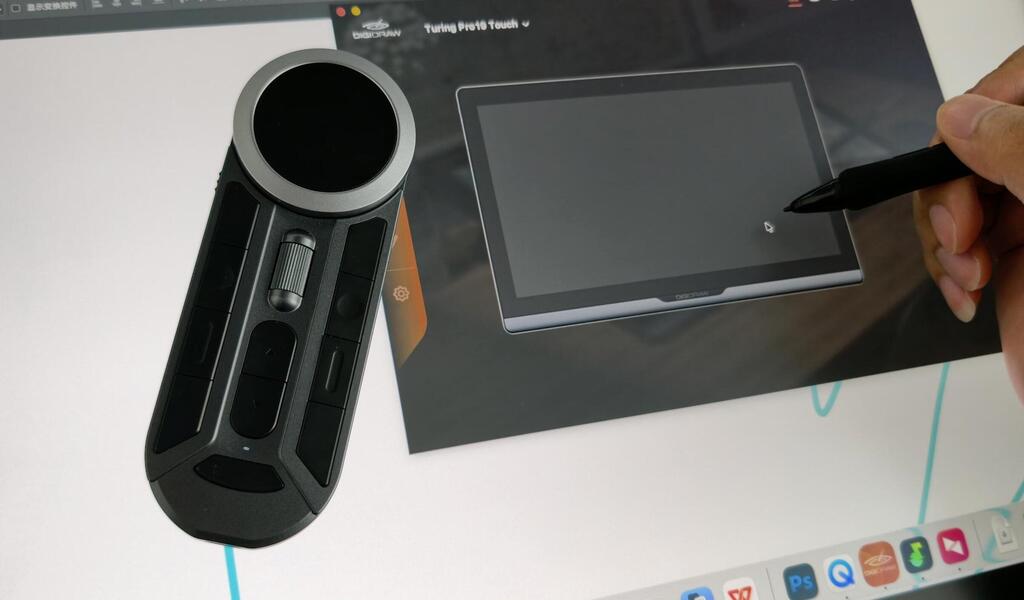
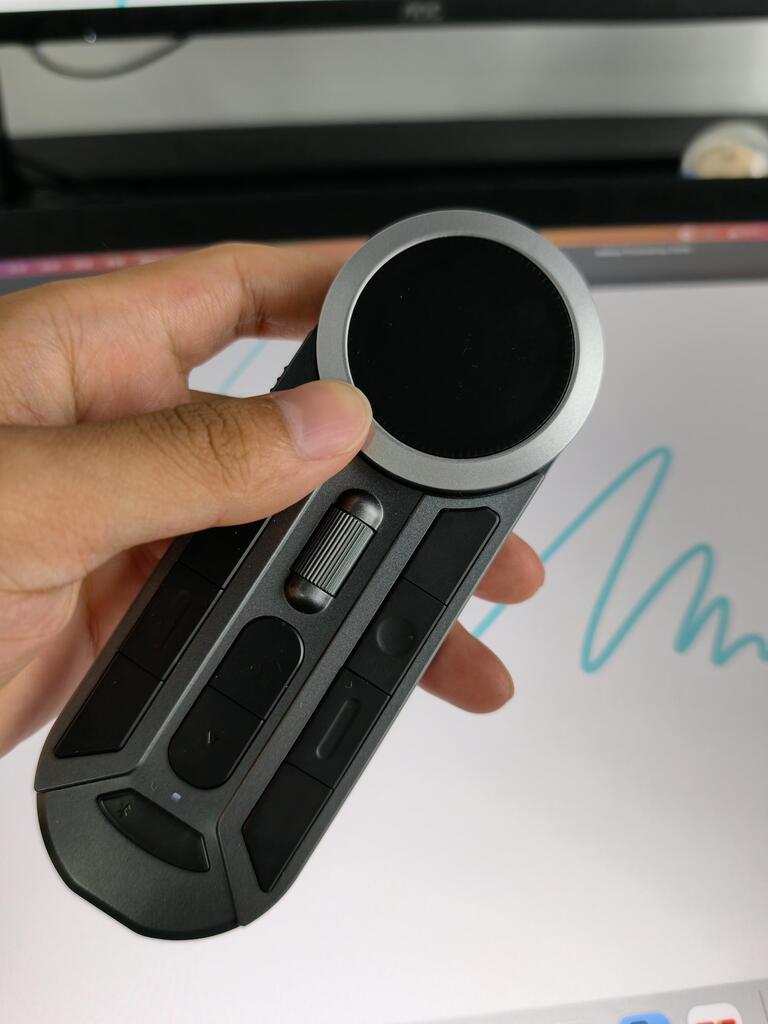
K30 無線遙控器


符合手型的鍵帽搭配觸覺標識,可實現無縫盲操作,讓你專注於畫布不會分心。設計供左右手創作者使用,支援多種角度,減少長時間使用時的手部疲勞。

K30 無線遙控器
僅重82克,舒適地單手握持。輕巧、平衡、操作輕鬆,讓您隨時隨地發揮創意。


技術規格
產品規格
詳細的硬體與效能參數
顯示尺寸
18.4 英寸 (3840 x 2160 UHD)
壓力靈敏度
16,384 級(無需電池觸控筆)
色域
150% sRGB / TD-Color 工廠校準
層壓
全貼合,採用抗眩光蝕刻玻璃
報告率 / 筆解析度
≥ 300 PPS / 5080LPI
傾斜識別 / 準確度
±60° 傾斜角度 / ±0.3mm(中心)/ ±1mm(角落)
視訊與資料埠
全功能 USB-C*2
作業系統相容性
Windows / macOS / Android / Linux
筆科技
魔法筆 5.0 / M5 智慧晶片
特色
超輕量 / 人體工學設計 / 單線連接 / 金屬外殼 / VESA 支架
常見問題
Turing 19 Pro 能做什麼?
Turing 19 Pro 是專業繪圖顯示器,適用於插畫、3D建模、設計、遊戲概念美術及其他形式的數位藝術。
拿到 Turing 19 Pro 後我們該做什麼?
按照產品說明連接顯示器,並在您的裝置上安裝DIGIDRAW驅動程式軟體後,即可開始使用及設定它。
什麼讓Turing 19 Pro的螢幕如此特別?
Turing 19 Pro 配備 18.4 吋 4K 顯示器,並採用業界首創的跨螢幕色彩一致性技術,可與任何標準顯示器同步,為您的創作需求帶來可靠且忠實還原的色彩表現。
Turing 19 Pro 具備哪些運作模式?
Turing 19 Pro 支援10點觸控,讓你能以手指更直接地調整畫布等(內附GL03防誤觸繪圖手套)。它還附贈K30遙控器,支援11個自訂快捷鍵與2個滾輪。
我何時會收到我的訂單?
我們會盡快處理並出貨您的訂單。訂單出貨後,您將收到包含進一步資訊的電子郵件。送貨時間取決於您的所在地點而有所不同。
A
I love it. 10/10
J
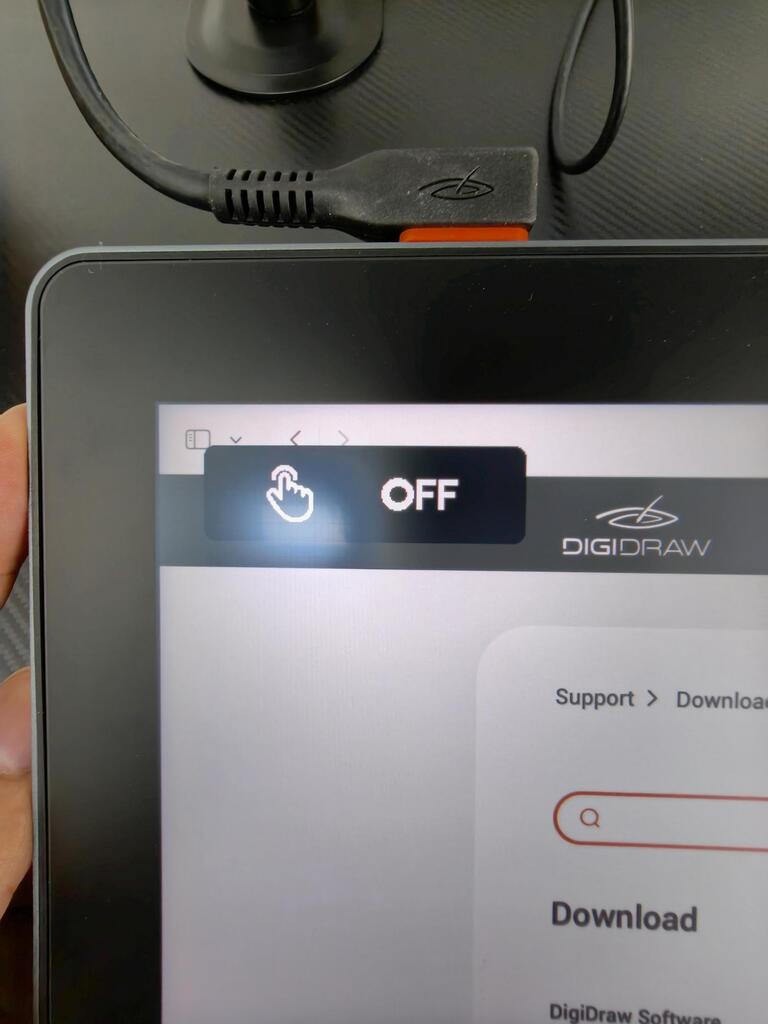
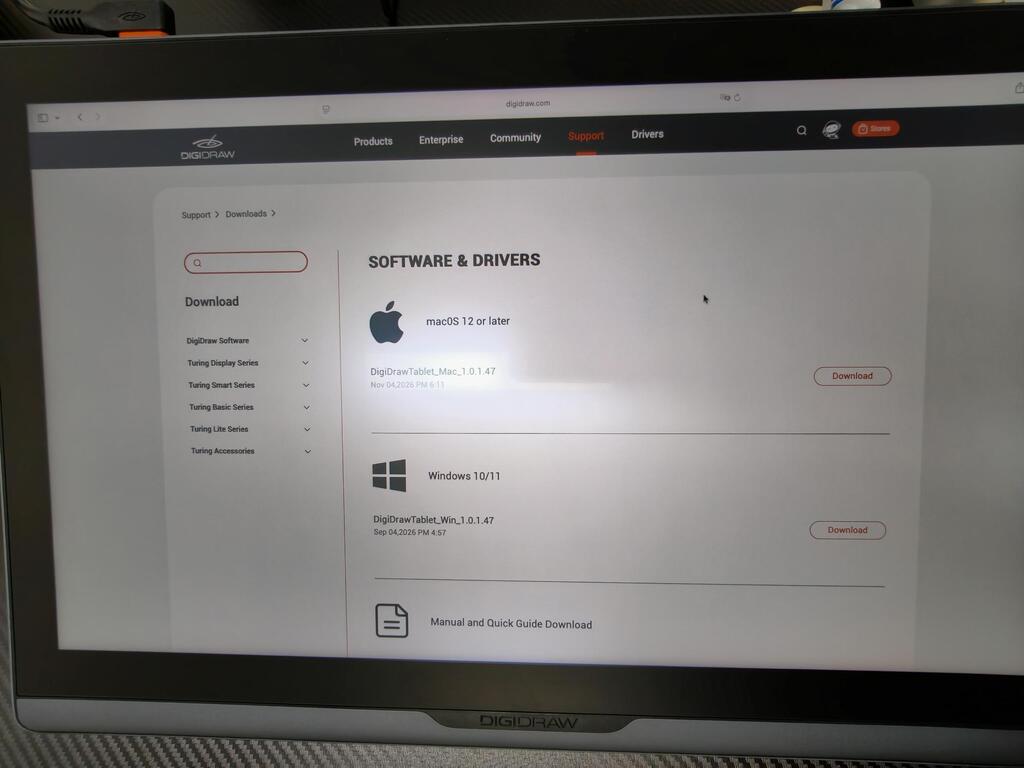
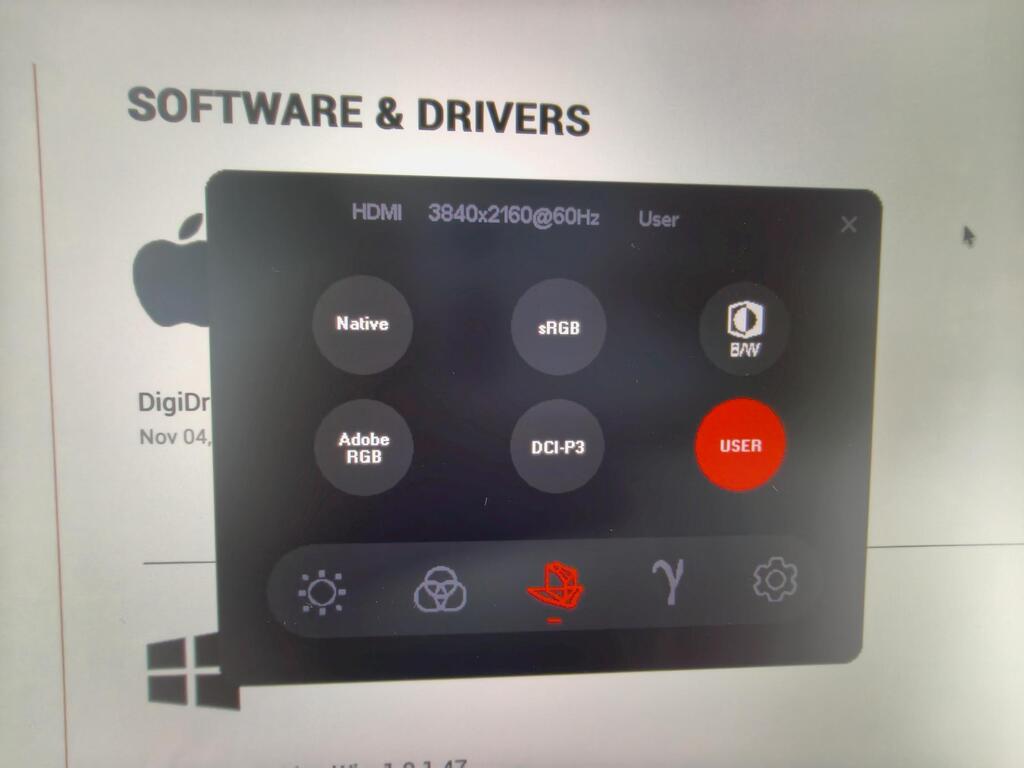
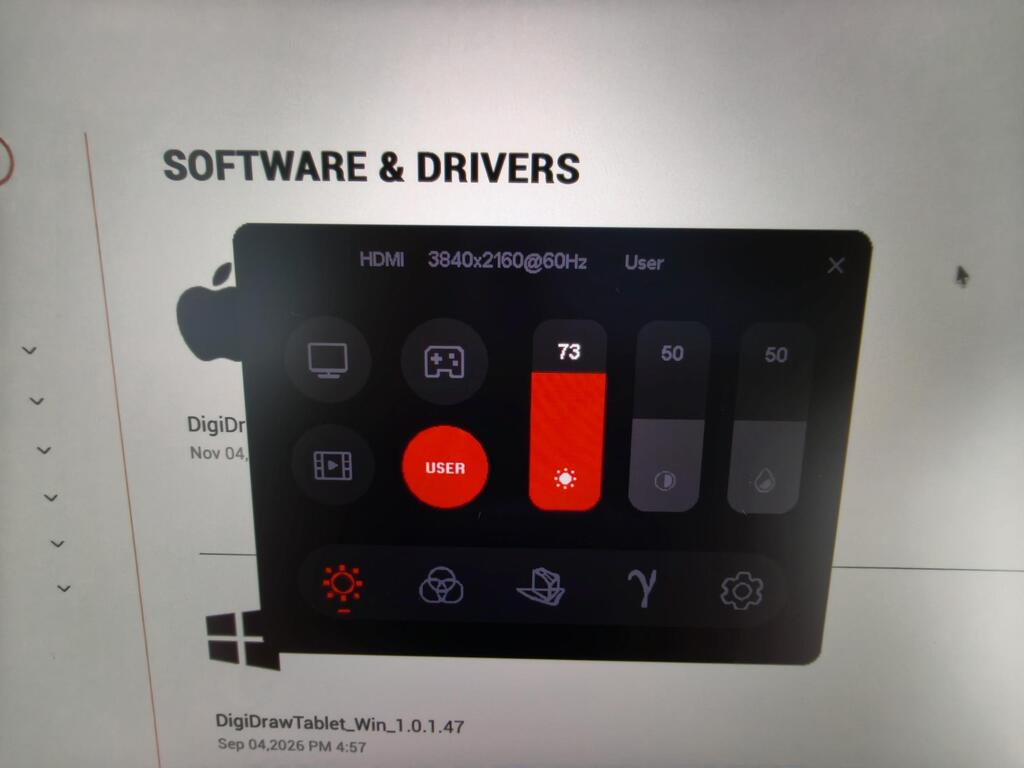
I think this is a sufficiently mature product; I‘ve had no issues using the driver on my Mac mini M5. It offers plenty of configuration options, requires only a single cable for connection, and allows you to disable the touch function at any time.
A
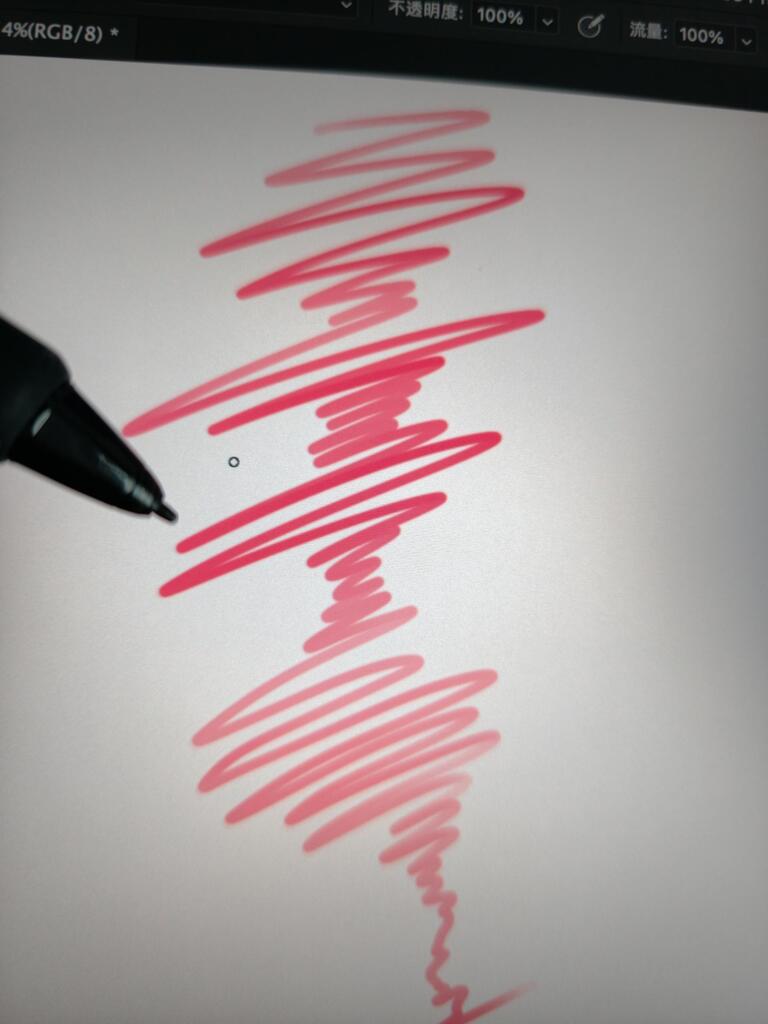
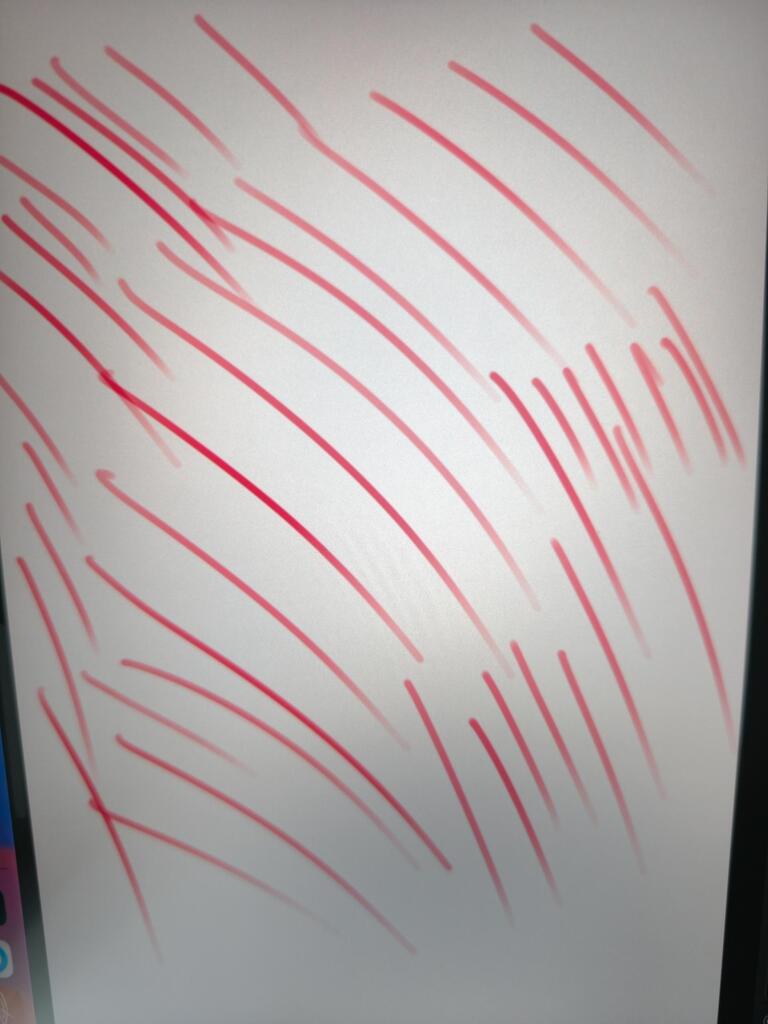
The lines I drew were smooth and flawless, and the pressure sensitivity felt very responsive.
E
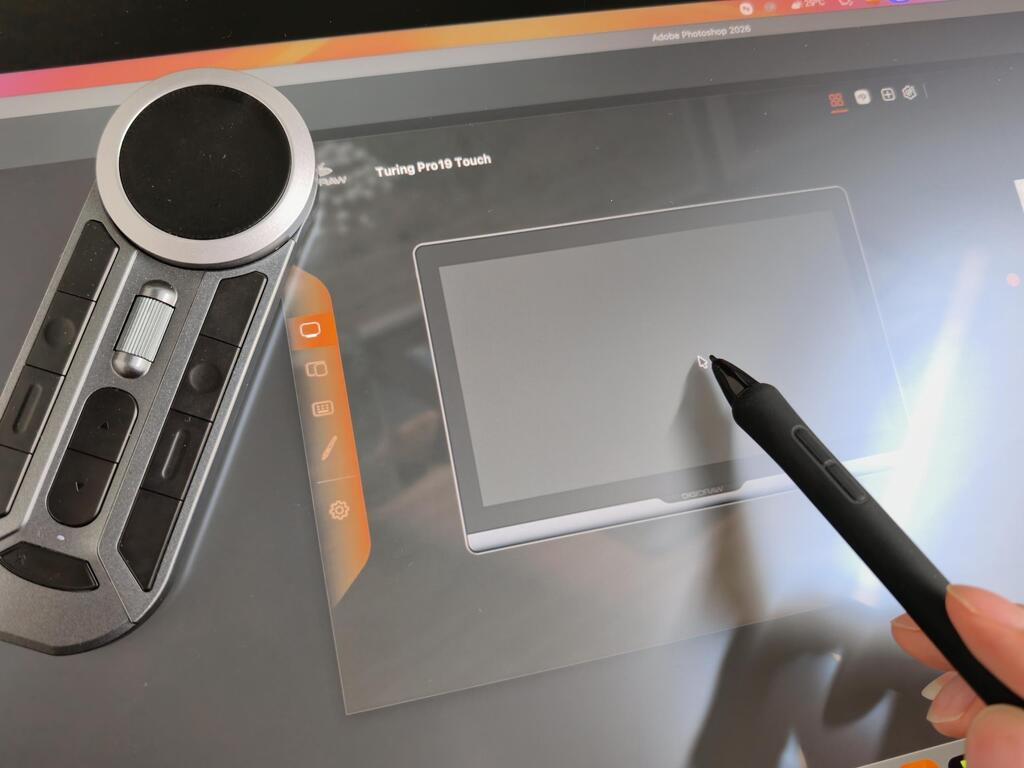
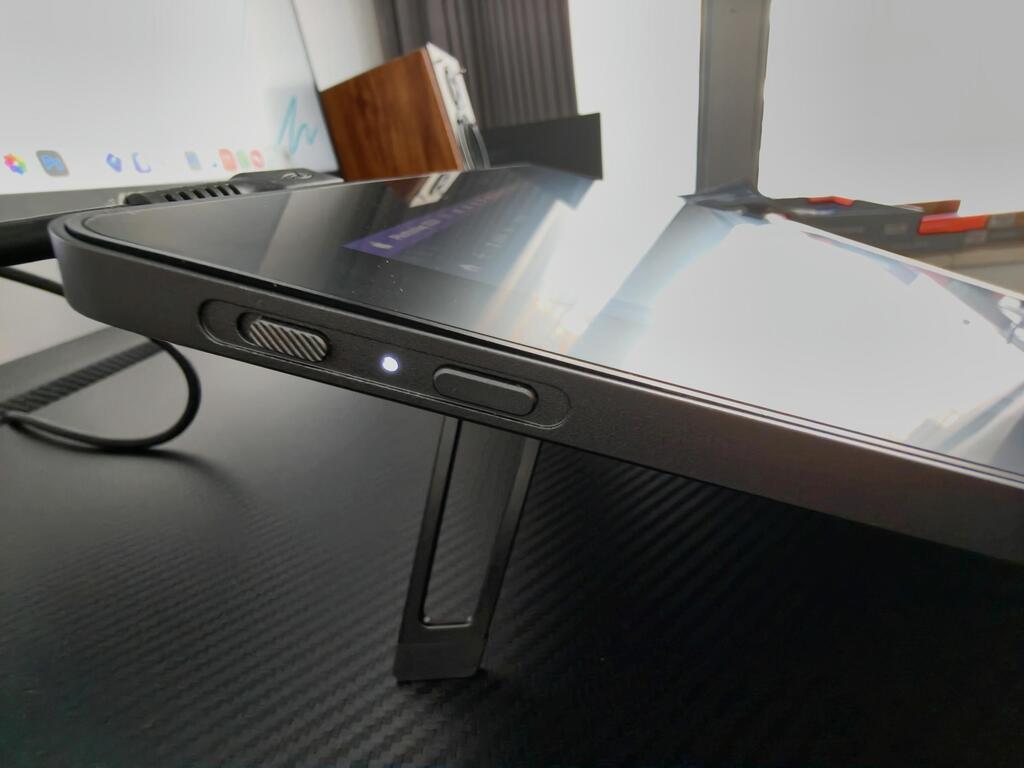
I chose this to replace my Kamvas 13, and I was pleasantly surprised by it. The screen size is just right,not too big and not too small. And despite its affordable price, it doesn’t compromise on build quality. I really love its design, which has the look and feel you’d expect from a flagship product.
M
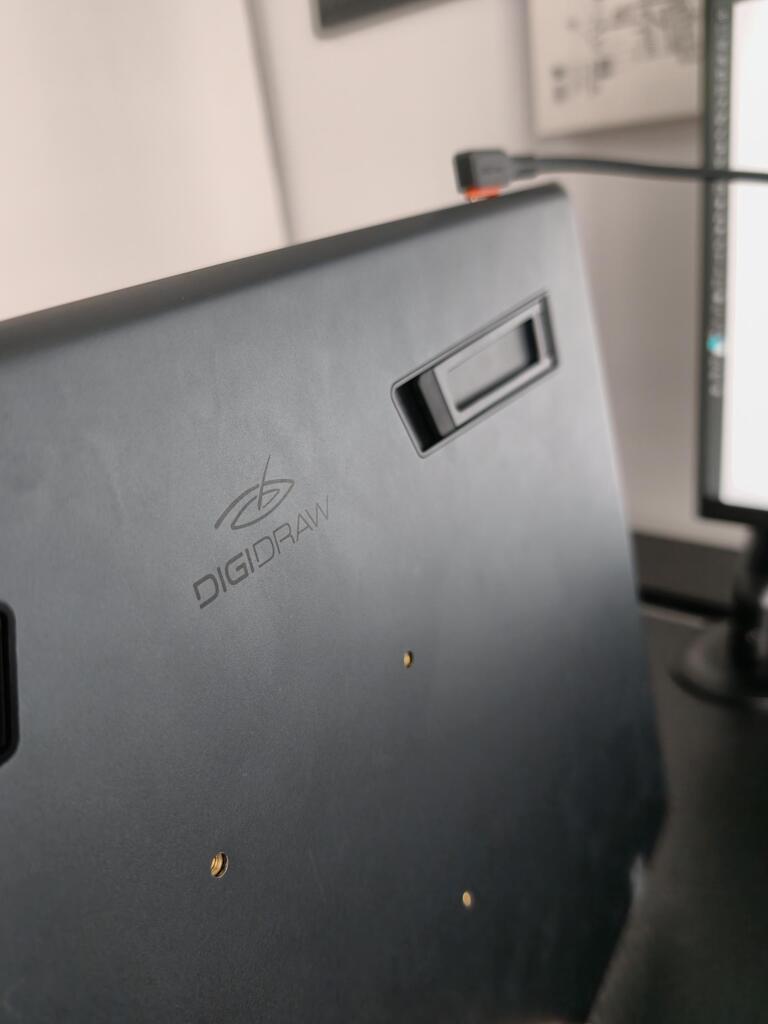
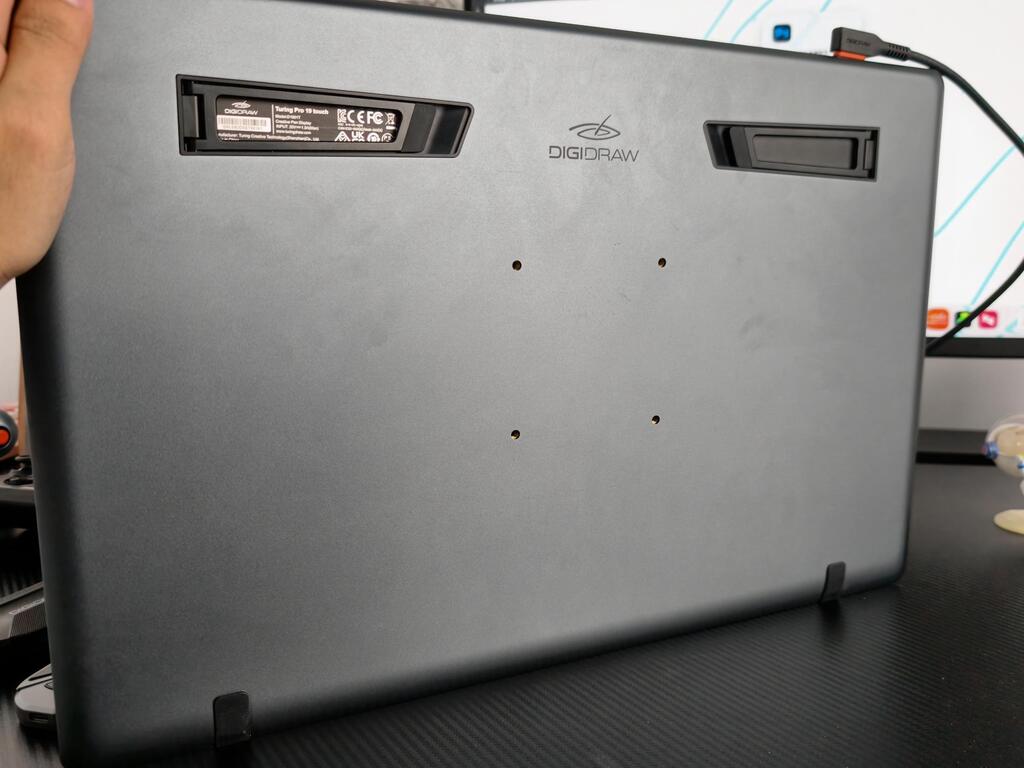
It's great to get a product like this at this price, and the included remote control is very comfortable to use. The product feels great in the hand, and I'm glad it has a VESA mount. It also comes with pen holders in different sizes and plenty of refills.
V
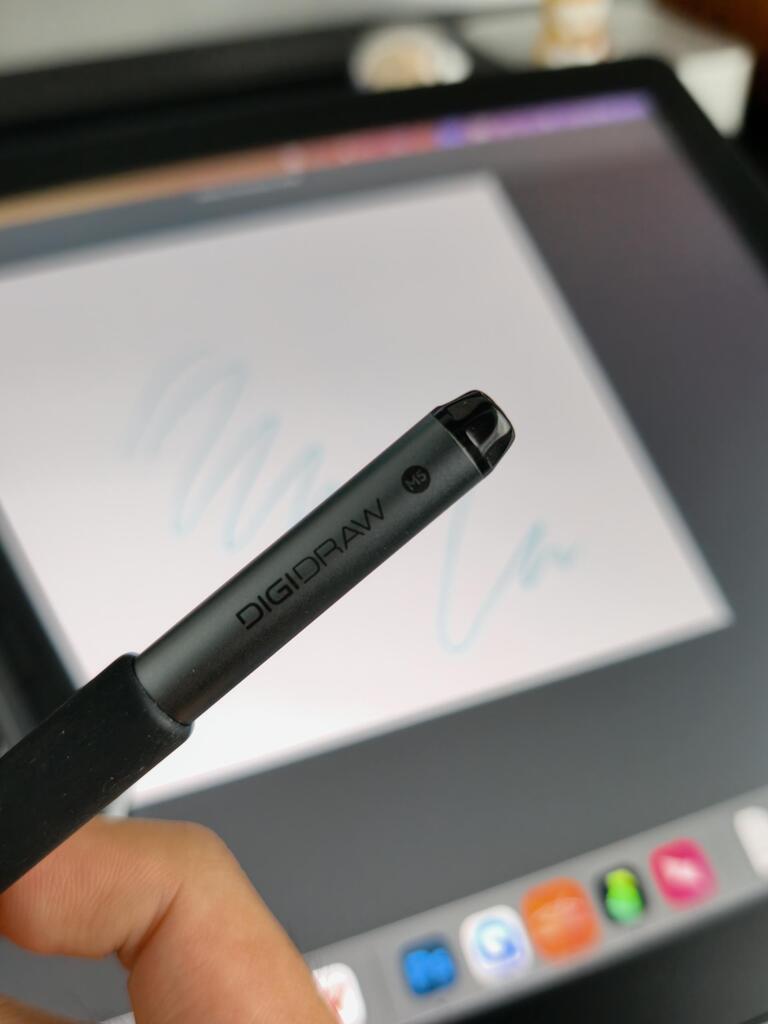
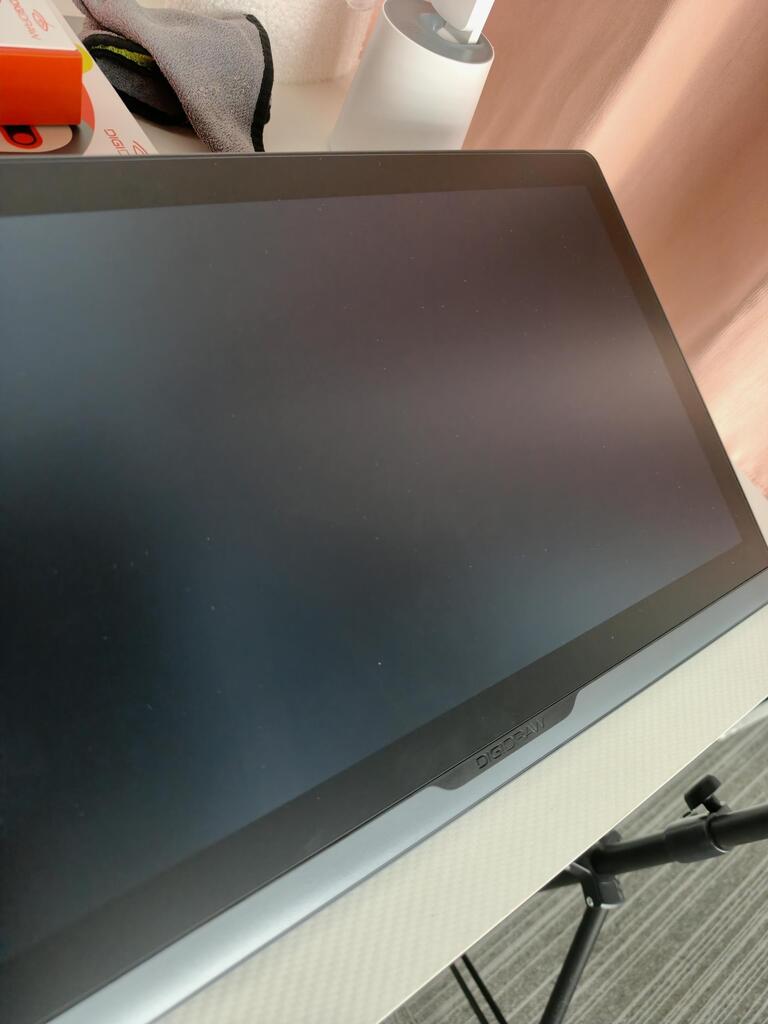
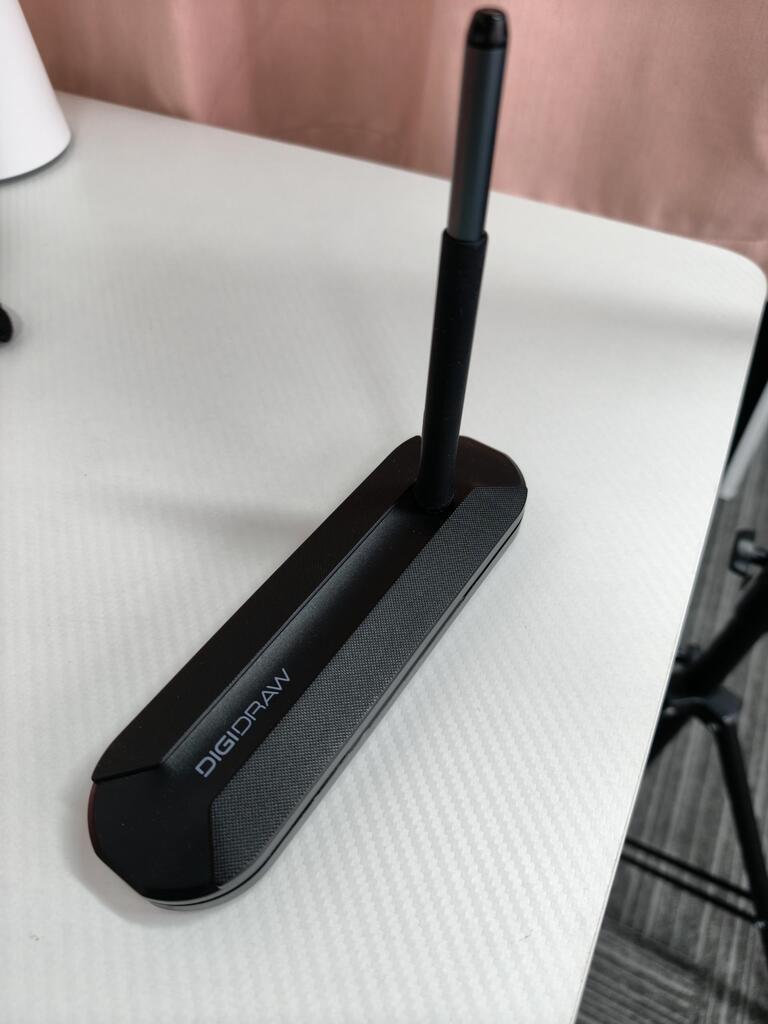
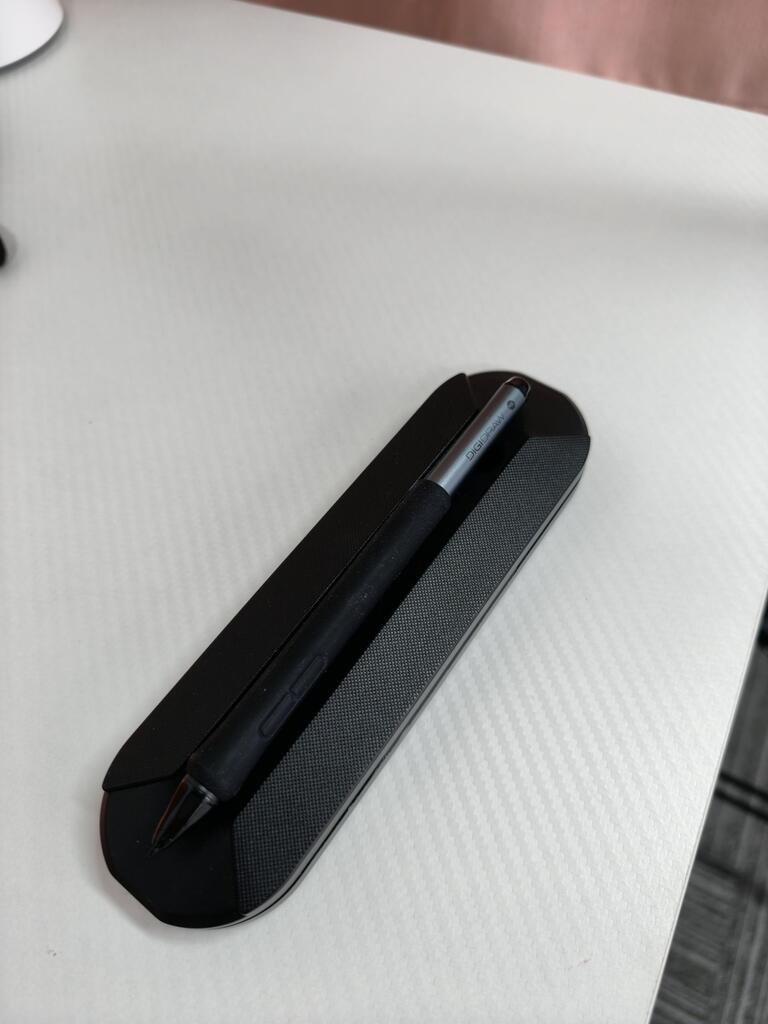
They went to great lengths to darken the logo, which helps me stay more focused while I work. I also really like this pencil case .It lets me organize my pens however I want.
f
And now for a review by someone who actually used this product and didn't just post an obviously AI-generated or "my grandson loves it" review.
But first, if you can't be bothered to read an extensive, insightful, and excellently written review, here are the highlights:
· Touch functionality works well
· Pen feels responsive
· 240 ppi pixel density = very sharp display
· Pro color calibration out of the box
· Easy setup/straightforward software
· VESA compatible
CONTEXT & COST
A bit of context: I already have a 19" pen display I love (XPPen Artist Pro 19 gen 2), but it doesn't have touch. XPPen's touch models are either smaller than I want (16") or too big (27") for my setup. I almost considered Huion's Kamvas Pro 19, but I just can't let my beef with them go. (Horrendous warranty/customer service experience, but that's tea for another time.)
PHYSICAL DESIGN & SETUP
Most pen displays kind of look the same, but I do appreciate how this one is engineered. It‘s thin and elegantly designed, with no chunky bezels or buttons and doodads cluttering the sides. Just the essentials: two USB-C ports along the top edge, and low-profile buttons on the left for power/menu and toggling touch on and off. The bottom bezel has a slight slope, so you‘re not resting your wrist on a sharp edge. It does have built-in legs with a fixed 19’ incline, but I‘ve been using an adjustable stand instead. It’s VESA compatible, so it worked perfectly with the stand I was already using for my Artist Pro 19.
Setup was pretty easy. Unpack, plug everything in where it needs to go, pair the shortcut remote to your computer via Bluetooth, then head on over to the DIGIDRAW website to download the software/drivers. A note to Windows users: a few extra steps are required to ensure touch input corresponds to the right screen. Go to Control Panel > Hardware and Sound > Tablet PC Settings, click Setup, and follow the instructions. It takes all of 11.2 seconds.
DISPLAY QUALITY
Being a 4K, 18.4” display, the pixel density is really nice at almost 240 ppi. For comparison, iPad Pros have 264 ppi and Wacom‘s Cintiq Pro displays range from about 163 to 254 ppi. So lines in this display look oh-so-crispy, and UI elements are sharp and legible even at tiny default scaling. But being a man of beekeeping age, I had to set display scaling to 175% to avoid eye strain. I still have plenty of screen real estate to work with, even with notoriously cluttery programs like Clip Studio Paint.
Yes, this pen display comes with a factory color calibration certificate. Accurate to the marketing claims, my unit apparently scored an average Delta E of 1.11 for sRGB and 1.28 for Adobe RGB. If you don’t know what that means, just know that anything between a 1.0 and 2.0 is considered ”pro-level“ for color critical work, and a lower number is better. Again, for comparison, Mac Pro/XDR displays have a Delta E of less than 2.
Screen glare is well-controlled, I'm guessing due to the textured glass and whatever lamination or coatings are used. Any reflections that do show up are softly diffused across the surface, so the display stays clearly visible. I have mine perpendicular to a large window about 7 feet away and don‘t have any issues seeing the screen. Max brightness is good, too, and I’ve been doing just fine with it at 50%.
The screen surface feels nice to draw on. If you‘re coming from other displays with nano-etched glass, this one will feel similar. If you’re used to a glossy tablet like an iPad or Galaxy Tab, the adjustment should be easy. If this is your first-ever pen display/tablet, expect a bit of a learning curve. No screen truly feels like paper, no matter what the marketing says. Tip: if it feels too slippy, swap the default plastic nib for one of the included felt ones, they feel a little grippier.
PEN PERFORMANCE & TOUCH
I appreciate the included extra sleeves for the pen. The naked pen is a slim design. That's fine, but I like ‘em thicc so I slid on the "large grip" sleeve for more girth to grab on to. It satisfies. Bonus: the thicker sleeve makes the buttons on the pen sit a bit recessed, so I can more easily feel where they are and don't accidentally press them like some fat-fingered ape.
Initial activation force is really good. No way to measure it precisely, but I can just skim the pen across the screen and get fine, even, and unbroken lines in my drawing program. Tilt detection is good too, and works down to that 60' angle. I don't typically need to tilt my pen that far, but good to know I can if I ever do.
I never know how to rate pen lag since there are so many variables depending on your hardware and software, and all pen displays have some amount of lag. All I can say is the pen feels snappy. I tested in Microsoft Paint since it's lighter and doesn't use stabilization or other effects that can slow things down. The cursor stays close to the tip with minimal trailing. In Clip Studio Pain...
C
Overall, this is a high-quality 4K touch drawing monitor with impressive specs: a 14.7mm ultra-slim body, professional-grade color accuracy with Delta<1.3, fully laminated AG+AF screen, and a stable patented zinc alloy stand. The Magic 5.0 pen with 16K pressure sensitivity is smooth and precise. My only small complaint is that the fixed 19° angle cannot be adjusted, so it may not fit everyone‘s sitting posture perfectly. Even so, it remains one of the best professional drawing monitors I have used.
E
This 18.4-inch 4K touch drawing monitor is absolutely worth it for professionals. At only 14.7mm thin, it's the slimmest model I've seen in its category. The color accuracy is professional-grade with consistent colors across screens, perfect for design work. The Magic 5.0 pen with 16K pressure sensitivity feels natural, requires no charging, supports precise tilt control, and stays comfortable during long sessions. The 19° stand is stable and ergonomic, and the wrist rest greatly reduces fatigue.
A
This 18.4-inch 4K drawing screen delivers outstanding color accuracy, consistent color performance across screens, and a stylish ultra-slim design. The pen performance is top-tier, featuring 16K pressure sensitivity, 60' tilt recognition, and no charging required. The ergonomic wrist rest effectively reduces wrist fatigue, and the stand feels solid and durable. The only minor downside is that the touch function can be slightly sensitive at times, though this rarely affects actual drawing. For its features, it is an excellent choice.
g
I didn't just buy this for drawing, I also use it as a second monitor for video editing. The 19-inch screen really helps me spread out my timeline. It's like having a whole new setup. I love that I don't need a million cords, just one cable to my laptop does the trick.
u
I'm a 3D hobbyist and I use this for sculpting in ZBrush. The large screen makes it so much easier to see my models. The pen has a nice grip and doesn't slip. My only worry was the driver, but it installed without any fuss on my Windows 11. Solid purchase.
m
I do a lot of color grading for my wedding photography business. I needed something accurate. This thing does the job perfectly. It looks just as good as the super expensive brand my friend has, but way cheaper. Definitely a good investment for my home studio.
d
I'm not an artist, I'm just a dad who likes to edit family photos. Trying to dodge and burn with a mouse is a nightmare. This screen lets me paint light and shadow exactly where I want it. It does feel different than an iPad because you sit upright at a desk, which is better for my back


