
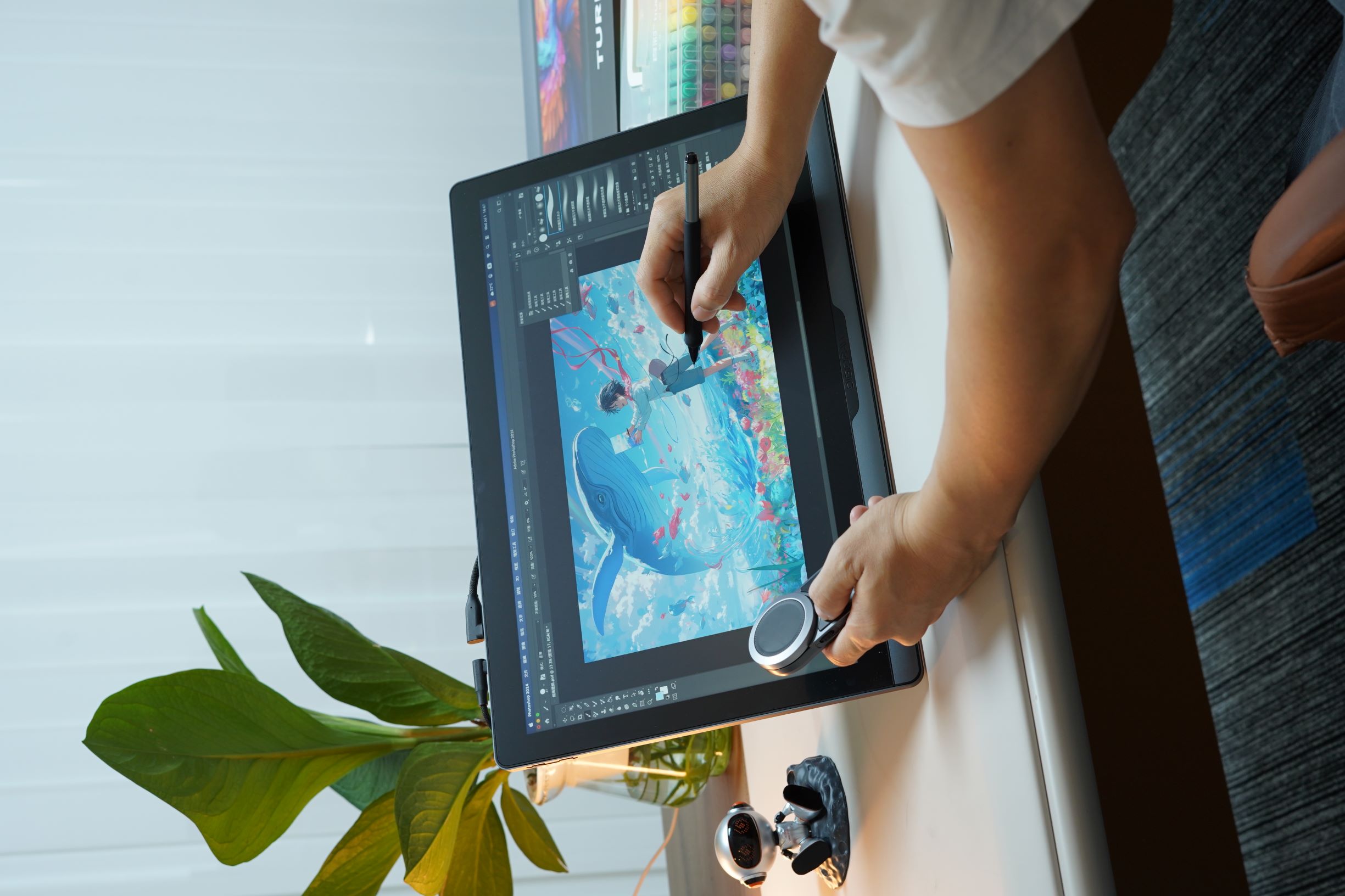
Introducción: Del papel y lápiz a la creación digital — Cómo siguen evolucionando las herramientas de dibujo
En las últimas décadas, el dibujo digital ha experimentado una transformación notable.
Al principio, los artistas debían depender de un ratón de ordenador para crear ilustraciones digitales. Aunque un ratón podía manejar bocetos básicos o gráficos simples, estaba lejos de igualar la precisión, el control y la sensación natural de las herramientas de arte tradicionales.
La mayor limitación era la falta de respuesta física entre la mano del artista y la herramienta.
En el dibujo tradicional, cada herramienta crea una experiencia única:
- La variación de presión de un lápiz
- El movimiento y la flexibilidad de un pincel
- La transparencia por capas de los marcadores
Todos estos detalles contribuyen a la expresión final de una obra de arte.
En esencia, la evolución de la tecnología de dibujo digital siempre ha estado impulsada por una pregunta:
¿Cómo pueden las herramientas digitales recrear la sensación natural del dibujo tradicional?
Con el desarrollo de lápices sensibles a la presión, pantallas de alta resolución, transmisión de baja latencia y tecnologías de gestión de color profesional, las tabletas de dibujo y pantallas interactivas modernas han evolucionado mucho más allá de ser simples dispositivos de entrada.
Hoy en día, se han convertido en estaciones de trabajo creativas completas para artistas digitales.
Sin embargo, al elegir un dispositivo de dibujo digital, muchos usuarios se enfrentan a una larga lista de especificaciones técnicas:
- Resolución
- PPI
- Gama de colores
- Precisión de color
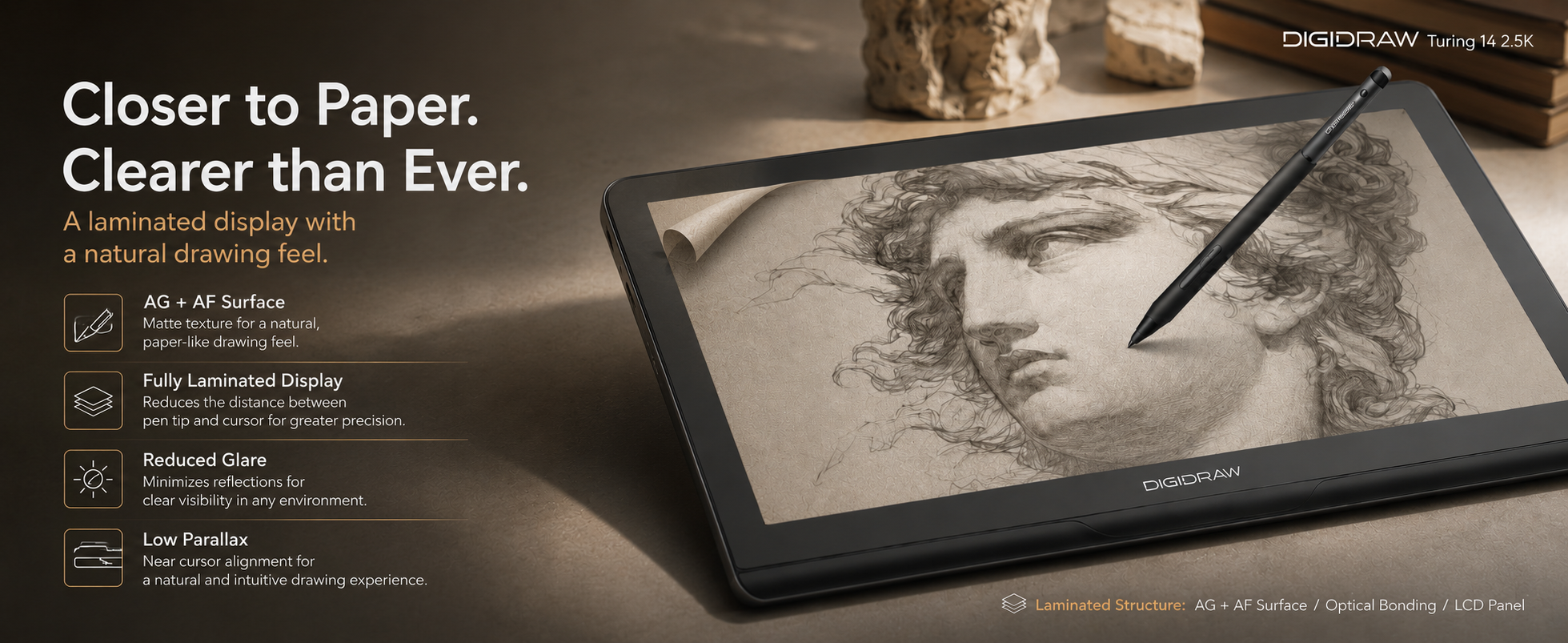
- Laminación completa
- Frecuencia de actualización
- Sensibilidad a la presión
- Tasa de informe
- LPI
- Reconocimiento de inclinación
Pero, ¿qué significan realmente estas especificaciones?
¿Cómo afectan al rendimiento del dibujo en situaciones reales?
¿Y qué características son realmente importantes para los diferentes tipos de creadores?
Esta guía explicará las tecnologías centrales detrás de los dispositivos de dibujo modernos y le ayudará a entender cómo elegir la herramienta adecuada según sus necesidades creativas.
1. Tabletas gráficas vs. Pantallas interactivas: Dos formas diferentes de crear
Antes de explorar las especificaciones técnicas, es importante comprender las dos categorías principales de dispositivos de dibujo digital.
Tabletas gráficas (Pen Tablets)
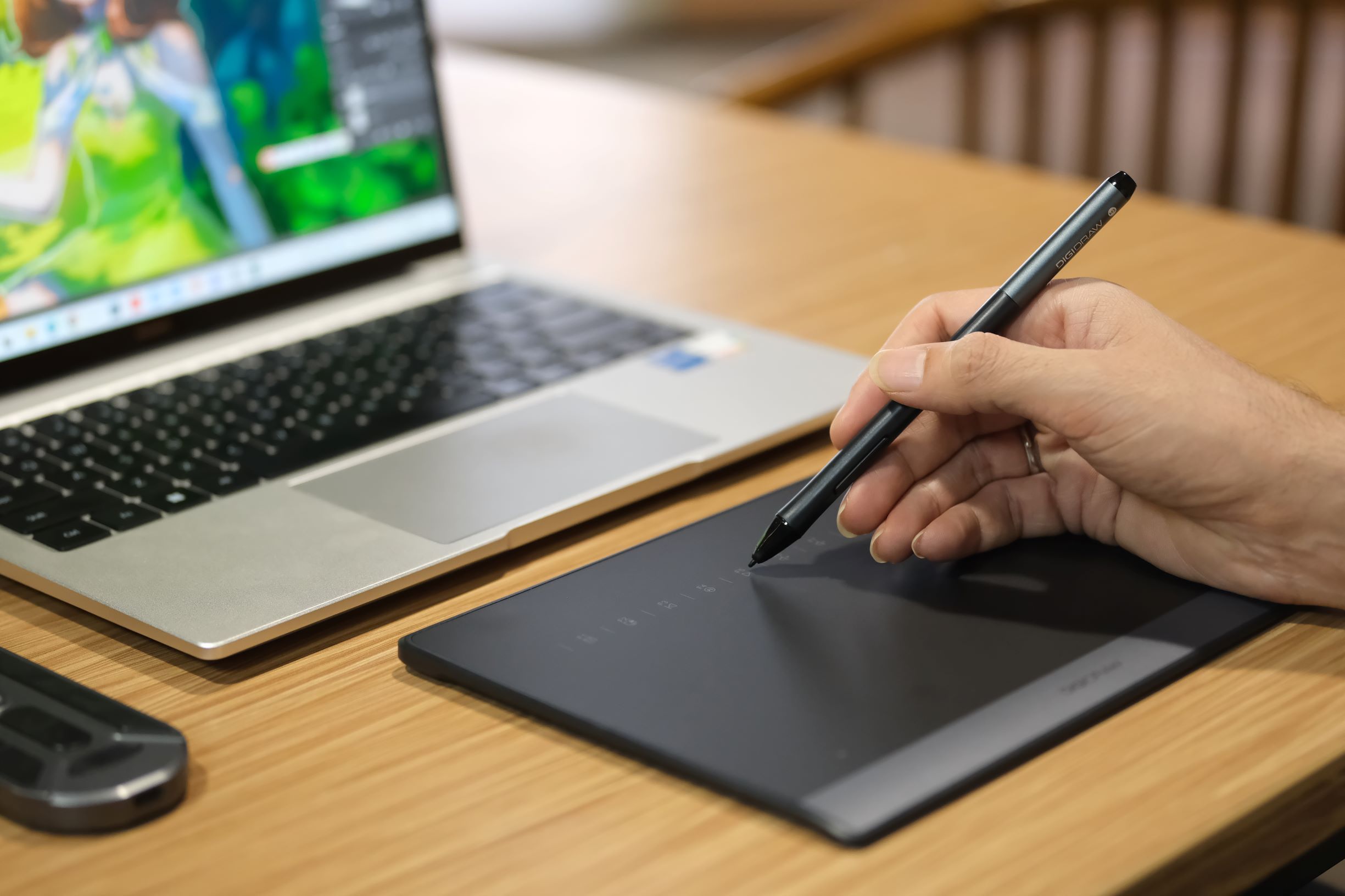
Una tableta gráfica tradicional separa la superficie de dibujo de la pantalla.
Los artistas sujetan un lápiz digital y dibujan sobre la superficie de la tableta mientras miran la imagen que se muestra en el monitor de su ordenador.
Para los artistas digitales experimentados, este flujo de trabajo puede volverse extremadamente eficiente. Sin embargo, los principiantes suelen enfrentarse a una curva de aprendizaje inicial debido a la desconexión entre el movimiento de la mano y el movimiento en la pantalla.
Este enfoque fue adoptado desde el principio por muchos artistas digitales profesionales y ha desempeñado un papel importante en el desarrollo de los flujos de trabajo de ilustración digital, animación y diseño.
En comparación con las pantallas interactivas y otros dispositivos creativos, las tabletas gráficas ofrecen varias ventajas:
- Precio más asequible
- Diseño ligero y portátil
- Durabilidad a largo plazo
- Excelente precisión
Para los creadores que ya están familiarizados con los flujos de trabajo digitales, una tableta gráfica sigue siendo una de las herramientas creativas más eficientes y rentables disponibles.
Pantallas interactivas (Pen Displays)

Una pantalla interactiva combina la superficie de dibujo con una pantalla incorporada.
En lugar de dibujar en una superficie mientras se mira otra, los artistas pueden dibujar directamente sobre la propia imagen.
Esto crea un flujo de trabajo que se siente mucho más cercano al dibujo tradicional sobre papel.
A lo largo de los años, marcas como Wacom, Huion, XP-Pen y empresas de tecnología creativa más nuevas han seguido mejorando la tecnología de las pantallas interactivas. Los modelos modernos ahora ofrecen una calidad de pantalla significativamente mejor, menor latencia y una interacción con el lápiz más natural.
Las principales ventajas incluyen:
- Coordinación mano-ojo más natural
- Una curva de aprendizaje más corta para principiantes
- Mejor adecuación para ilustración, animación, diseño gráfico y creación visual
Para muchos creadores modernos, las pantallas interactivas se han convertido en una parte esencial de su configuración de arte digital.
2. ¿Cómo entienden los dispositivos de dibujo digital los movimientos de su lápiz?
Los dispositivos de dibujo profesionales modernos suelen basarse en:
Tecnología de Resonancia Electromagnética (EMR)
La EMR es una tecnología de lápiz sin batería que permite que el lápiz funcione sin carga, emparejamiento Bluetooth ni baterías internas.
En lugar de utilizar una fuente de energía integrada, el lápiz contiene componentes como:
- Una bobina
- Circuitos de resonancia
- Mecanismos sensibles a la presión
La tableta o pantalla genera un campo magnético que alimenta y se comunica con el lápiz.
Este diseño aporta varias ventajas prácticas.
Dado que el lápiz no requiere batería:
- No es necesario cargarlo regularmente
- El lápiz sigue siendo ligero
- Se mejora la estabilidad a largo plazo
- Se reduce la complejidad electrónica interna
Para los artistas profesionales que pasan horas dibujando cada día, la fiabilidad y la consistencia son extremadamente importantes.
A diferencia de los ratones de ordenador tradicionales, que solo proporcionan información sobre la posición, los lápices digitales modernos pueden entender mucho más:
- Dónde se encuentra el lápiz
- La dirección del movimiento
- Cuánta presión se aplica
- El ángulo del lápiz
Esto permite que las herramientas digitales repliquen muchas características de los instrumentos de dibujo tradicionales.
Un lápiz no crea simplemente una línea; responde a la mano del artista.
Un toque más ligero crea un trazo más suave y fino.
Una mayor presión crea una marca más oscura y fuerte.
La tecnología sensible a la presión traslada este mismo principio al mundo digital.
A medida que la tecnología del lápiz digital ha avanzado, los fabricantes han seguido mejorando:
- La sensibilidad a la presión
- El reconocimiento de inclinación
- La velocidad de muestreo
- El rendimiento de latencia
En conjunto, estas tecnologías determinan con qué naturalidad un dispositivo traduce el movimiento físico en una obra de arte digital.
Por qué la tecnología EMR es importante para los artistas digitales
Una de las mayores ventajas de la tecnología EMR es su capacidad para mantener un rendimiento constante sin depender de una batería integrada.
Un lápiz sin batería puede proporcionar:
Respuesta de presión estable
El dibujo profesional a menudo depende de sutiles cambios de presión, especialmente al crear:
- Ilustraciones de líneas finas
- Sombreados suaves
- Transiciones de color delicadas
Un sistema de presión fiable ayuda a preservar estas pequeñas variaciones.
Mejor compatibilidad con superficies texturizadas
Debido a que la EMR utiliza comunicación electromagnética, la señal puede seguir funcionando eficazmente incluso cuando se utilizan películas protectoras o superficies de dibujo texturizadas.
Esto permite a los artistas personalizar su experiencia de dibujo sin sacrificar la capacidad de respuesta.
Control de inclinación natural
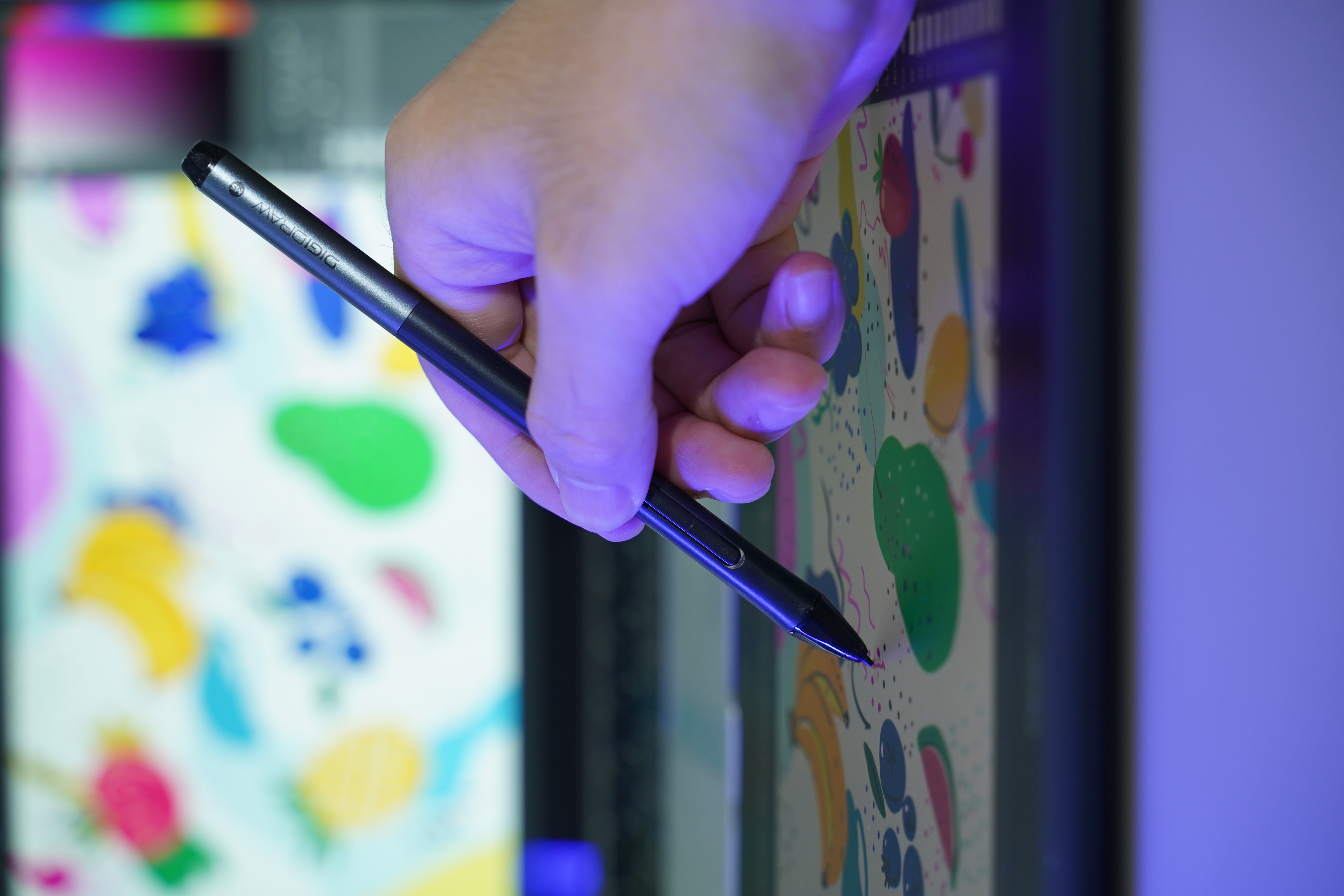
Los lápices EMR modernos pueden detectar el ángulo del estilete.
Esto permite a los artistas simular herramientas tradicionales como:
- Lápices
- Pinceles
- Marcadores
Por ejemplo:
Sostener un pincel digital en posición vertical puede crear un trazo estrecho, mientras que inclinarlo puede crear marcas más amplias y suaves.
Durabilidad a largo plazo
Dado que el estilete no depende de baterías recargables, no hay degradación de la batería tras años de uso.
Para los artistas que utilizan sus dispositivos profesionalmente, esto significa una experiencia creativa más consistente durante toda la vida útil del producto.
En términos simples:
Un dispositivo de dibujo digital se basa en dos sistemas clave:
La tableta o pantalla contiene la capa de detección.
El lápiz contiene la tecnología que se comunica con ella.
Juntos, permiten que un dispositivo digital comprenda no solo dónde dibuja, sino también cómo dibuja.
Esta es la base del arte digital moderno.


0 comentarios